One screen, one button
Tap once and get a chapter. Nothing else to learn.
Christian / Bible reading · A Rafael Lima product
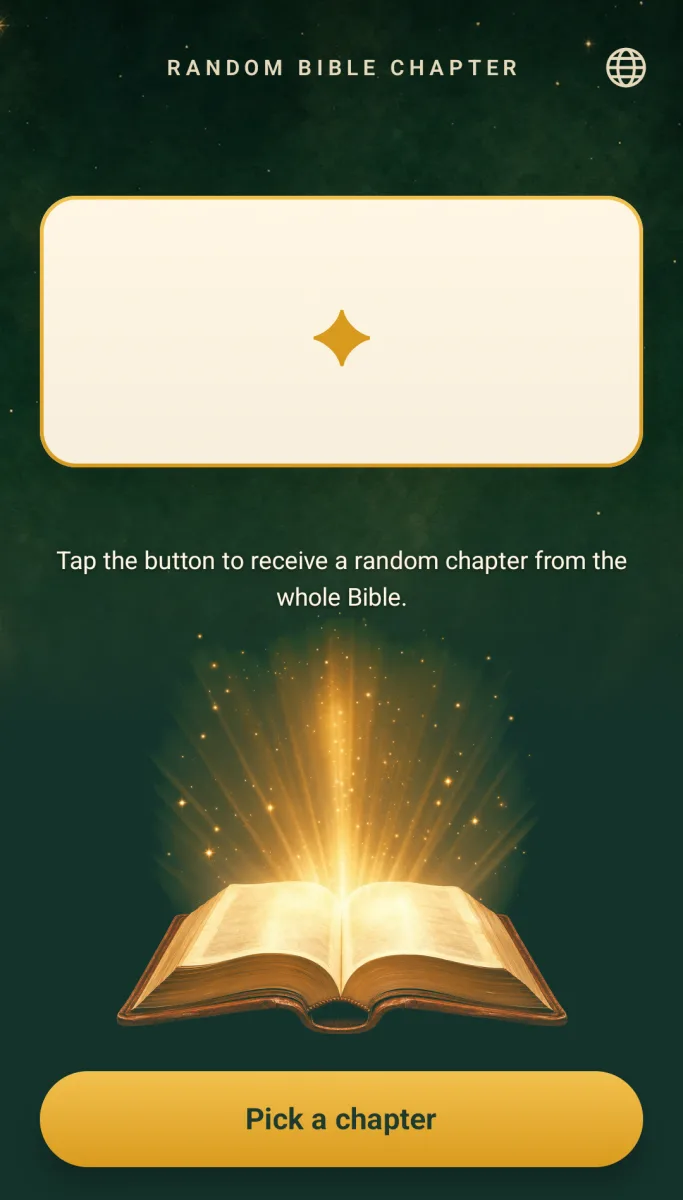
One tap picks a random chapter from the whole Bible.
Android app
The product
Random Bible Chapter is for the days you are not sure where to read. It has one screen and one button: tap it and the chapters spin, slot-machine style, until the spin lands on a random chapter from anywhere in the Bible, Old Testament or New Testament, across all 66 books and 1,189 chapters, each with the same chance. The app shows only the reference, for example John 3, with the book name in your language, so you can open it in your own Bible, printed or digital. A globe button in the corner lets you pick any of 34 languages inside the app. The app contains no Bible text, works fully offline and needs no account. It is free, with one small ad banner at the bottom of the screen; where the law requires it, you are asked for your consent first.
Deciding where to read can stop us before we begin. Random Bible Chapter makes the choice for you with one tap, and leaves the reading to the Bible you already trust.
Anyone who wants a nudge on where to read in the Bible today, on their own, in a group or as a daily habit.
Inside the product
A closer look at the interactions, visual system, and product decisions behind the application.
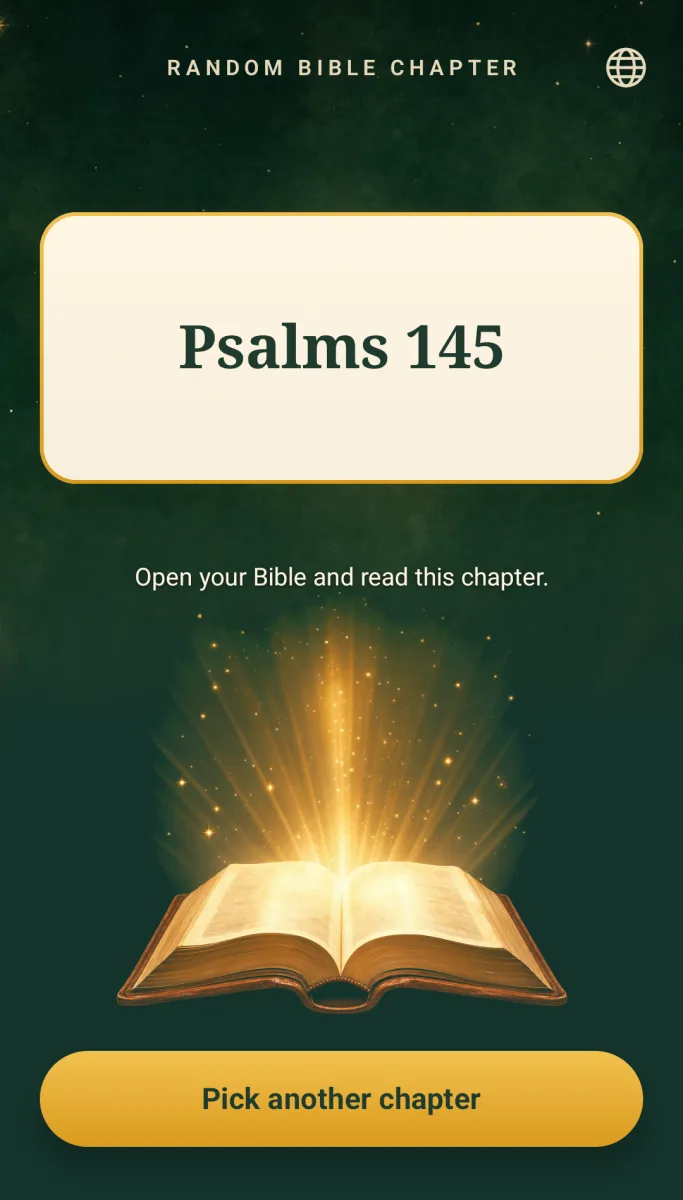
How it works
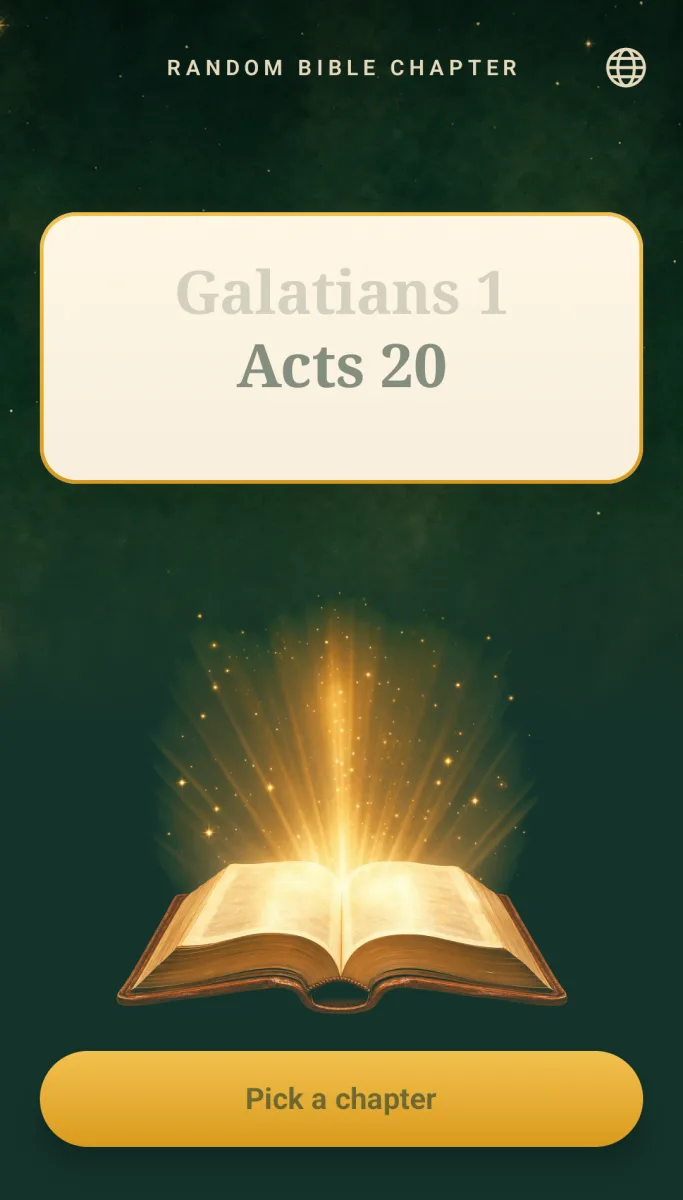
On the single screen, the chapters start spinning, slot-machine style.
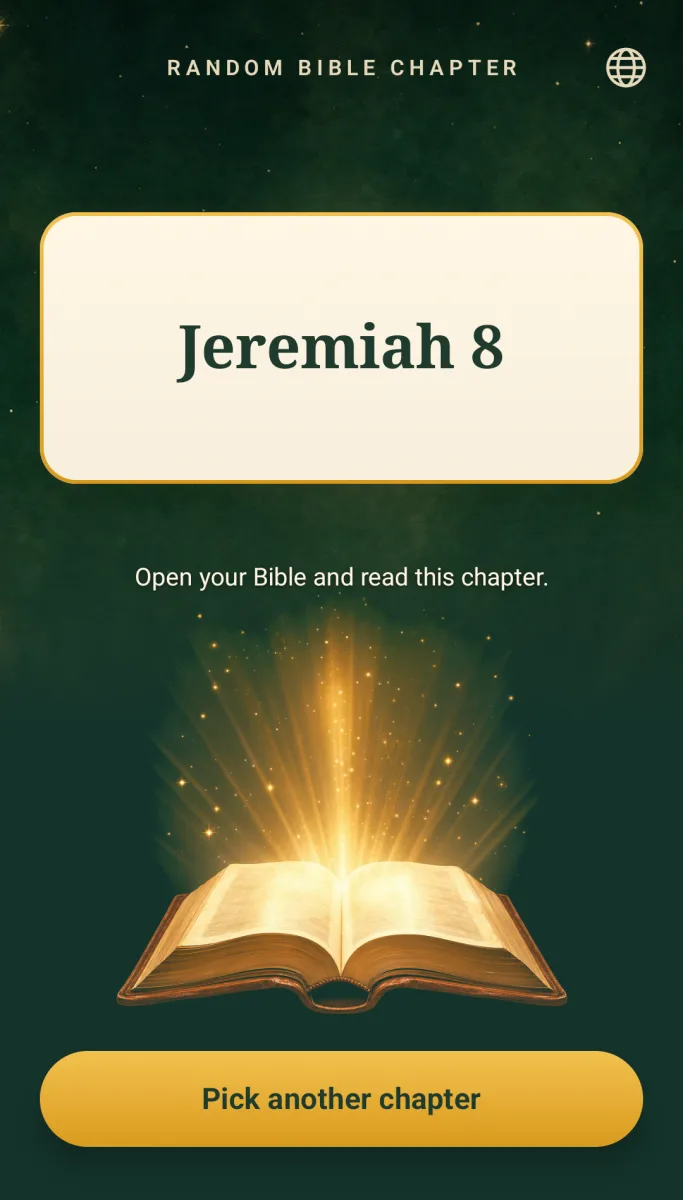
The spin lands on a random chapter and shows the reference, such as John 3, with the book name in your language.
Open that chapter in your own Bible, printed or digital. Tap again for another.
Product capabilities
Tap once and get a chapter. Nothing else to learn.
All 66 books and 1,189 chapters, Old and New Testament, each with the same chance of being picked.
The chapters spin and land with a small haptic tap, so choosing where to read is a bit of fun.
It shows the book and chapter, such as John 3, so you read it in the Bible you love.
Tap the globe button to pick your language; the book names follow. It works without internet and needs no sign-up.
A small banner at the bottom of the screen supports the app. Where required, you are asked for your consent first.
Availability
Random Bible Chapter is an Android app. The Google Play link will be added here once the listing is live.
No account, no analytics and no data collected by the developer; the app works offline and stores nothing except what Android keeps, such as the language you chose. It shows one small ad banner (Google AdMob), requested as non-personalised only, after the Google consent form where the law requires it. See the full privacy policy, in English and Portuguese, for details.
Read the privacy policyQuestions
An Android app with one button that picks a random chapter from the whole Bible (66 books, 1,189 chapters) and shows its reference, such as John 3.
No. It only chooses the chapter; you read it in the Bible you prefer, printed or digital.
Yes. Every chapter has the same chance of being picked.
No. It works fully offline and has no account. The internet is used only to load the small ad banner and Google's consent form.
Tap the globe button at the top of the screen and choose one of the 34 languages; the whole screen, including the book names, follows your choice. By default the app uses your device language.
The developer collects none: no analytics, no account, nothing stored by the app beyond what Android keeps, such as the language you chose. The Google ad SDK may collect device identifiers such as the advertising ID and IP address, under your consent choice where the law requires it.
The app is free and shows one small banner ad (Google AdMob) at the bottom of the screen, requested as non-personalised only. Where required, Google's consent form is shown first, and you can change your ad and analytics choice with the Privacy choices link on the screen or in your device's ad settings.
Use the support page linked from this product page, or email contact@rafaelrglima.com.
Official resources
Help, contact details, and common questions.
How information is stored and handled.
The terms that apply to this product.
Designed and developed by Rafael Lima · View all products